
Samsung Galaxy Tab S11 Review
Unboxing and first impressions of the latest Samsung tablet
TECH
Anuj Gemawat
10/27/20253 min read
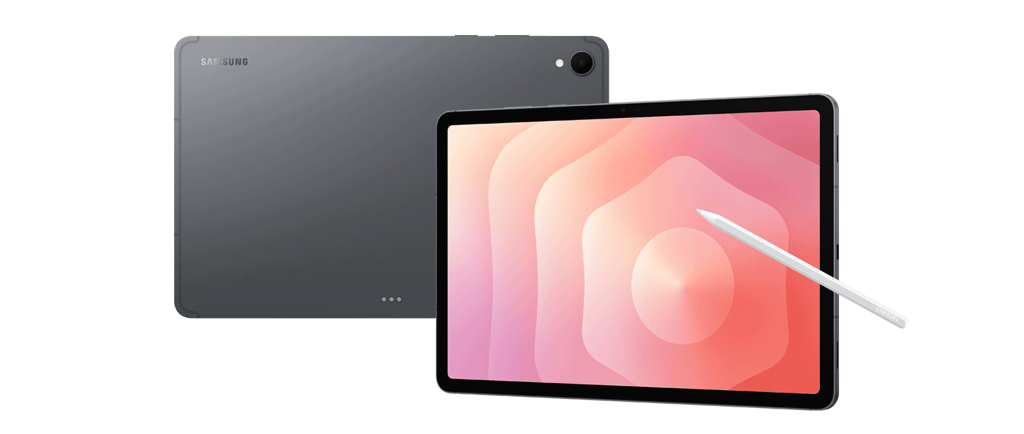
Samsung Galaxy Tab S11 Review: The Iterative Refinement
The Samsung Galaxy Tab S11 marks my third major upgrade within the Samsung tablet ecosystem, and once again, the flagship experience delivers. It represents a refined approach to the premium Android tablet market, though it introduces a few changes that long-time users should be aware of.
Design and Portability
Moving from the larger Tab S8+ model, the immediate impression of the Tab S11 is its comparatively compact form factor. While this shift might initially feel like a slight downgrade in screen real estate for some, it is, in practice, a massive win for portability. The size is perfectly balanced for on-the-go use, facilitating effortless note-taking, document editing, presentation adjustments, creative sketching, and content consumption while traveling.
The overall build quality is fantastic. This tablet is exceptionally thin and lightweight, cementing its status as a premium device designed for frequent mobility.
Performance and Software
As Samsung's flagship tablet, the hardware pairing is top-tier. The combination of the latest chipset and the Android 16 experience results in performance that is both fast and incredibly smooth. The tablet handles high demands with ease, making multi-tasking a seamless experience. The software layer remains commendably clean, offering a thoroughly user-friendly experience free of unnecessary bloatware.
The S Pen Experience
The S Pen, a defining feature of the Tab S series, has seen an update to its design ergonomics. While the new stylus is comfortable to hold, it presents a subtle but noticeable step back in intuitive use. The button, which previously benefitted from a distinct, easy-to-locate tactile design, now requires users to visually orient the pen to find its position quickly. Furthermore, some of the more niche, advanced S Pen features from the previous generation appear to have been removed.
The change in the magnetic attachment location is a minor point; for users who store the pen in a dedicated holder or case, this adjustment is irrelevant. However, one point of friction for veterans of the series will be the reversal of the Power and Volume button placement, which requires a period of adjustment.
Get your hands on the flagship tablet
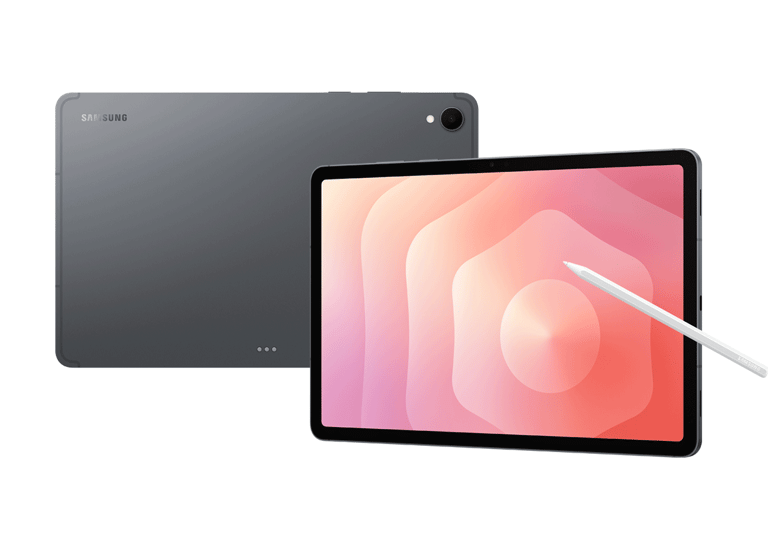
Samsung Tab S11
Wifi or 5G; from 128GB to 1TB
Spigen Ultra Hybrid Pro Case
Case with Pen Holder Transparent Hard Back Cover
Protective Case with Dual Display stand
Samsung Smart Book Cover
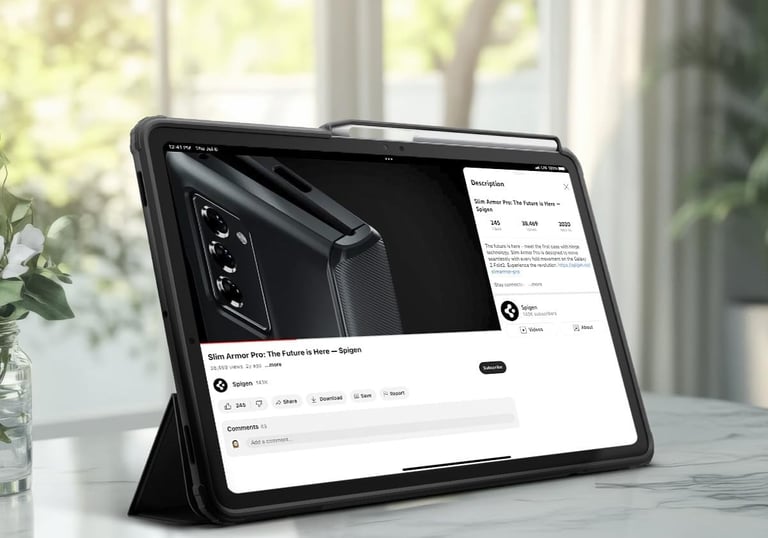

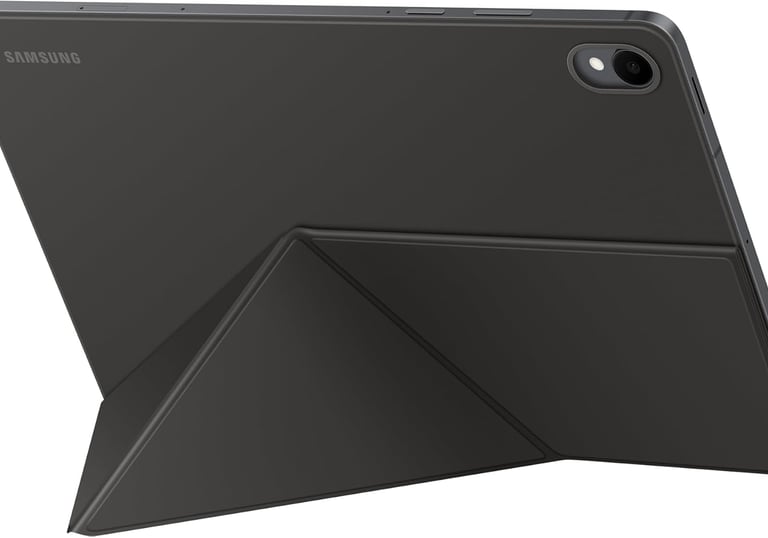
If you buy through links on our site, we may earn an affiliate commission. This keeps it 100% reader-supported and free of advertisements or sponsorships. Thanks for your support!
Ecosystem and Conclusion
While I have yet to test the optional keyboard accessory to evaluate its performance as a temporary laptop replacement, the built-in DEX environment is expected to remain top-notch, providing a desktop-like experience on the go.
Ultimately, the Tab S11 shines as a companion device that perfectly complements a full-sized laptop. Its dimensions and powerful performance make it ideal for bridging the gap between mobile and desktop computing. However, those seeking a direct, full-fledged laptop replacement should likely look toward the larger Ultra-branded model.
Key Takeaways
Pros
Flagship Performance: Fast, smooth, and highly intuitive.
Superior Portability: Lightweight and perfectly sized for travel and mobile productivity.
Clean Software: Excellent Android 16 experience with minimal bloatware.
Versatile Utility: Excellent for both demanding business tasks and casual entertainment.
Cons
S Pen Design: The updated design can be divisive and is less intuitive than the previous generation’s button placement.
Mid-Tier Camera: The camera quality is good but does not match the excellent standards set by current flagship smartphone cameras.
Size Transition: Users migrating from the Tab S+ (Plus) models may occasionally find the standard Tab S11 screen size limiting.
See my video review
My first impressions and hands on review with the device and its older siblings

dadfromNL
Subscribe to our newsletter
Contact:
dadfromnl@gmail.com
Copyright 2025 © DadfromNL
All rights reserved.